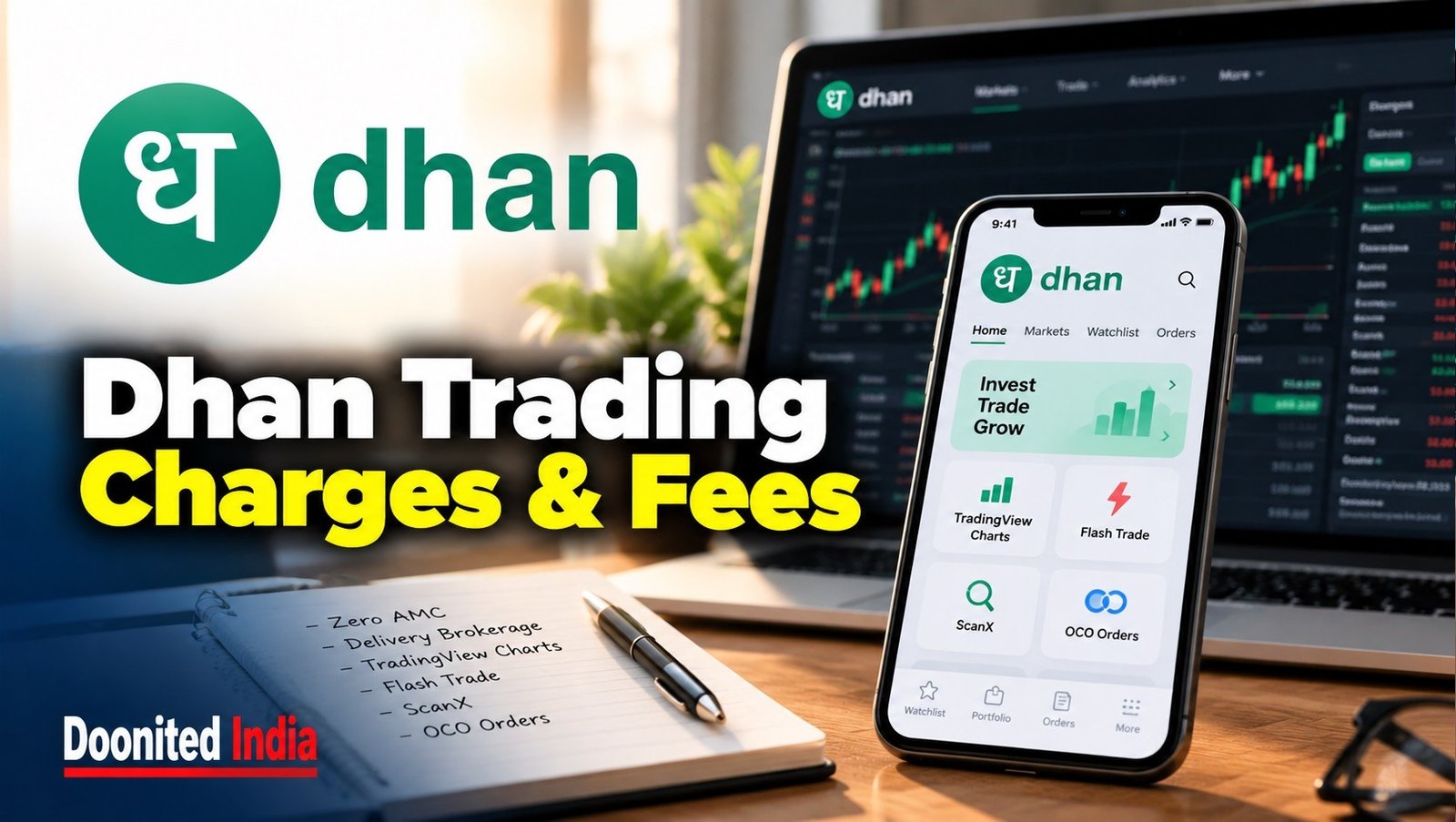
Dhan Trading Platform: Zero AMC, TradingView Charts and the Real Cost of Trading
Dhan has built its trading platform around a combination of zero account maintenance charges, integrated charting and tools aimed at active traders. Its offering includes Dhan Web, TradingView-powered charts, options-focused features, stock screening and conditional orders.
The headline pricing is straightforward: zero brokerage on equity delivery, zero AMC for individual accounts, and capped brokerage for intraday and derivatives trades. But as with every trading platform, brokerage is only one part of the final bill. Taxes, exchange charges, depository fees and optional services can still add to the cost.
The more interesting question is whether Dhan’s collection of trading tools helps investors manage their workflow—and whether the convenience could encourage some users to trade more frequently than their financial plan warrants.
Dhan charges: what the official tariff says
Dhan’s published pricing schedule lists the following charges for retail customers.
Service or transaction | Published charge |
|---|---|
Individual account opening | ₹0 |
Individual account AMC | ₹0 |
Equity delivery | ₹0 brokerage |
Equity intraday and MTF | ₹20 or 0.03% per executed order, whichever is lower |
Equity and commodity futures | ₹20 per executed order |
Equity and commodity options | ₹20 per executed order |
Platform fee | ₹0 |
These are brokerage and account-level charges, not a declaration that every transaction is entirely free. Statutory levies and exchange-related charges apply according to the segment and trade. Dhan’s tariff also lists charges for services such as auto-square-off, call-and-trade orders, pledging and certain demat transactions.
Zero AMC: a useful simplification
Annual Maintenance Charges can make a difference for investors who maintain a demat account but trade infrequently. Dhan lists zero AMC for individual and HUF accounts, while certain non-individual and NRI account categories have different charges.
That distinction matters: pricing advertised for an individual retail account should not automatically be applied to every type of customer. Account category and the current tariff remain relevant.
The charges that can still appear
Even when brokerage is zero, a trade may attract Securities Transaction Tax (STT), exchange transaction charges, SEBI turnover fees, stamp duty and GST on applicable components. A delivery sale may also involve a DP charge.
Dhan’s pricing page currently lists a DP transaction charge of ₹12.50 per instruction per ISIN, plus GST. It also lists a ₹20-per-order auto-square-off charge plus GST and a ₹50-per-order call-and-trade charge plus GST. These apply in the specified circumstances, not necessarily to every investor or every trade.
The practical takeaway: use the broker’s calculator for an estimate, then check the contract note for the actual transaction-level charges.
Dhan Web and TradingView: charts with order placement

One of Dhan’s central features is its integration with TradingView. Dhan offers its own TradingView-powered charting experience and a connection that allows users to trade through TradingView. The platform supports chart-based order placement, helping traders keep analysis and execution within a connected workflow. Dhan Web
This can reduce the need to move repeatedly between a charting tool and a separate order window. However, “integrated” does not mean that every chart feature, indicator or third-party script is necessarily available in every interface or under every account setup. Users should confirm the specific functionality they intend to use.
Charts are tools for displaying market data. They do not independently establish whether a security is fairly valued, whether a trend will continue or whether a trade is suitable for a particular investor.
Tools designed for active traders
Dhan’s feature set extends beyond charts. Several tools are aimed at making order entry, screening and position management more structured.
Flash Trade: faster options order entry
Flash Trade is designed to simplify options buying through a more direct order-entry workflow. Dhan presents it as a way to select and buy options quickly. The convenience may appeal to active options traders, but speed is not a substitute for checking the underlying, expiry, strike, premium, liquidity and risk.
Options can lose value rapidly, and buyers can lose the entire premium paid. A faster interface changes the mechanics of placing an order; it does not improve the probability of a profitable trade.
ScanX: screening and market research
ScanX is Dhan’s stock-screening and market-research platform. Screeners can help users filter securities using selected criteria, making it easier to narrow a large market universe into a manageable watchlist. Dhan ScanX
A screen, however, is only as useful as the criteria behind it. A stock appearing in a scan is not a buy recommendation. Investors still need to examine financial performance, valuation, business risks and the context behind the signal.
Forever orders and OCO
Dhan offers Forever Orders with an OCO (One Cancels the Other) structure. This allows users to set a target and a stop-loss condition, with one order intended to cancel the other when triggered according to the feature’s rules. Dhan also lists Super Orders, which combine entry, target and stop-loss components in one workflow. Dhan trading features
These tools can help traders define an exit plan in advance. But stop-loss orders cannot guarantee a precise exit price in fast-moving or illiquid markets. Gaps, volatility and execution conditions can affect the final outcome.
Webhooks and automation
Dhan supports TradingView-related webhooks and API-based integrations. Its documentation describes an ecosystem of connected platforms and API access for users who want to build or connect trading workflows. DhanHQ API information
Automation introduces additional responsibilities. A poorly configured alert, duplicate signal or incorrect quantity can result in unintended orders. Users should understand the permissions granted to connected tools and protect API credentials. Automated execution should be tested carefully before being used with real funds.
The wider Dhan ecosystem
Dhan’s offering includes Dhan Web, its mobile app, dedicated options-trading interfaces, TradingView integration, ScanX, DEXT T3 and DhanHQ APIs. The company presents these as connected ways to analyse markets, manage positions and place orders. Dhan products and features
A broad ecosystem can be useful for people who prefer to manage different parts of their trading process within one provider. Yet more tools can also mean more settings, more decisions and a steeper learning curve. A beginner does not necessarily benefit from using every available feature.
The sensible approach is to start with the functions required for a clear investment or trading process, then add complexity only when there is a defined reason.
What investors should check before opening an account
Before choosing Dhan—or any other broker—review the complete tariff and the account terms relevant to your circumstances.
Calculate the full cost: include brokerage, taxes, exchange charges and any applicable DP fees.
Check the product: equity delivery, intraday, futures, options and MTF have different costs and risks.
Understand optional charges: auto-square-off, call-and-trade, pledging and other services may carry fees.
Test the workflow: understand order types, trigger conditions and order-status reporting.
Protect connected accounts: review third-party permissions and safeguard API credentials.
Keep risk separate from convenience: fast execution and advanced charts do not make a trade inherently safer.
Dhan provides a brokerage calculator to estimate costs, but it notes that the estimate may differ from the final transaction charges. The contract note is the appropriate record for the actual trade. Dhan Brokerage Calculator
DOONITED View: technology is useful when it serves a plan
Dhan’s proposition combines low account-level charges with an extensive set of charting and trading tools. For users who rely on technical analysis, options workflows or chart-based order placement, those features may be relevant to their daily process.
But the platform’s most prominent strengths—speed, access and automation—also call for discipline. Making it easier to place an order can save time; it can also make impulsive trading easier. A dashboard full of indicators may look sophisticated without improving the quality of the underlying decision.
The meaningful comparison is not simply which broker offers the most features or the lowest headline charge. It is which fee structure and set of tools fit the user’s actual needs, while keeping the risks and costs visible.
Learning Point
Zero AMC and zero delivery brokerage do not mean zero transaction costs or zero investment risk. Check the current tariff, understand the product you are trading and use charting, screening and conditional orders as aids to a documented plan—not as substitutes for one.


World Beyond the News
Bees Communicate Where Food Is
Honeybees use movement patterns known as waggle dances to communicate information about food locations.
Street Food Reflects Local History
Many famous street foods developed from migration, trade, local ingredients and the everyday needs of working communities.
A Day on Venus Is Extremely Long
Venus rotates so slowly that one rotation relative to distant stars takes longer than its trip around the Sun.
Human Achievement Continues to Push Limits
Athletes, engineers, scientists and explorers regularly establish new benchmarks in speed, endurance, scale and precision.